Stopping Tags That Are Already Scanning or Historical requests
This process is to stop tags that are already streaming data or for large (months to years) historical requests that may have duplicated tags in other requests.
-
Create a Data Request
-
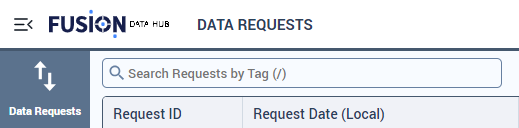
Navigate to the data request page.
-
Select “CREATE NEW REQUEST”

-
Click on the newly generated Request ID number.

-
Utilize the following options for adding new tags:

- Click “ADD TAGS” to manually select or search for tags.
- Click “IMPORT FROM LIST” to import tags from a CSV or list.
-
Set the History Start Time:

- Choosing no start time will capture all historical data.
- The entered start time is in UTC.
-
Set the History End Time:

- Choosing no end time will configure the request to stream live data.
- The entered end time is in UTC.
-
Click “SAVE AS DRAFT”.

-
-
Navigate to the Tag Controller Swagger page “tagcontrollerurl/api/swagger/ui”
-
Navigate to the GET method
/HistoryUploadRequest/{Id}
- Click “Try it out”, using the request id from the previous step.
- Run the query.
- Copy the response body.
-
Navigate to the PUT method
/HistoryUploadRequest
- Click “Try it out” and paste the copied response fom the previous step.
- Change the “requestType” to “StopScan”.
- Run the query.
-
Return to the data request UI page and submit the previously saved draft.